Tabtwinsy · Chrome extension
The same tabs in every window.
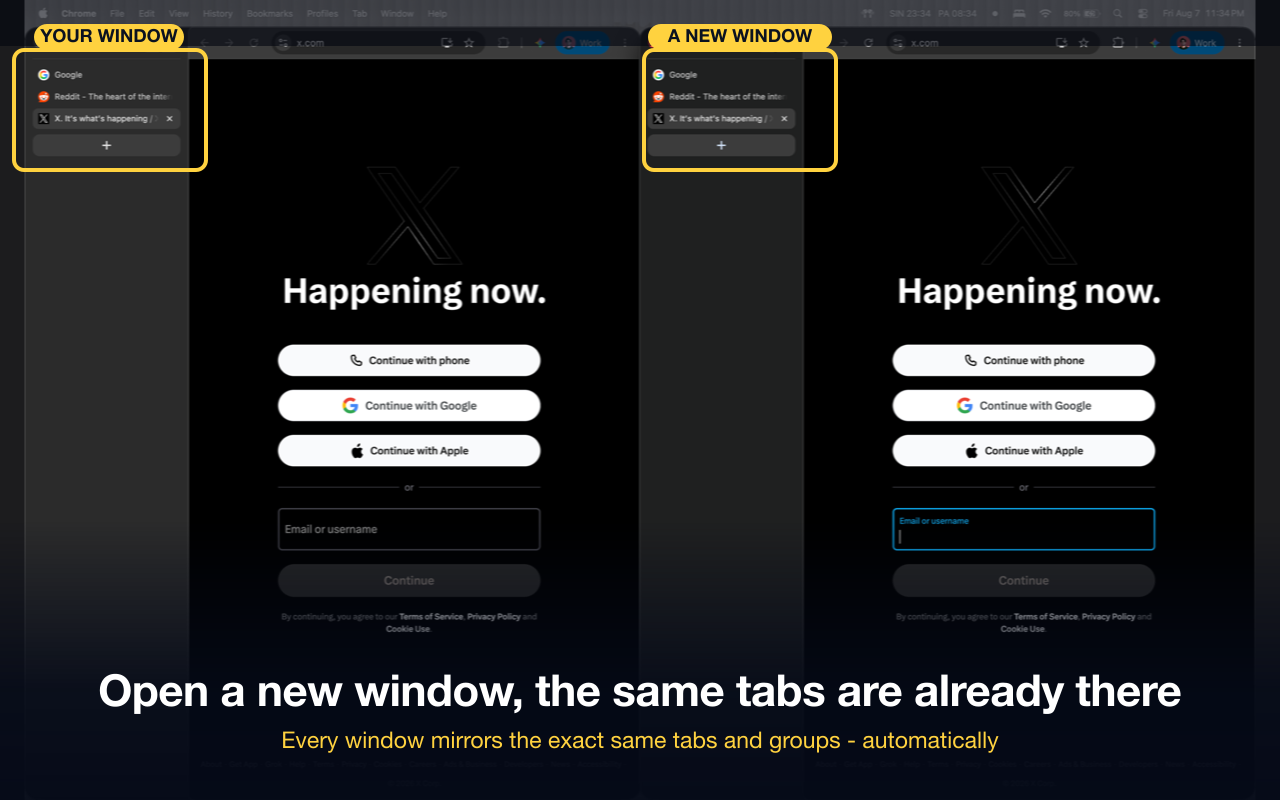
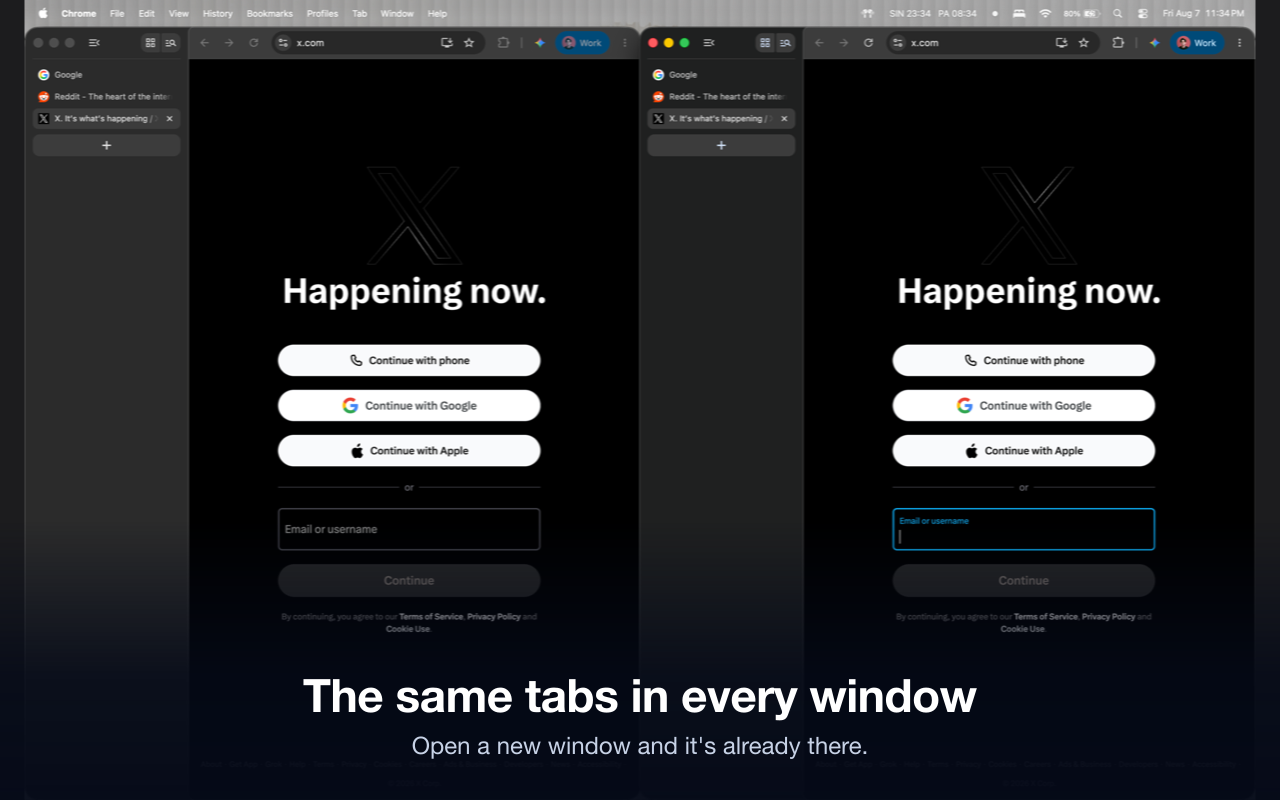
Tabtwinsy mirrors your tabs and tab groups across every browser window. Open a new window and your work is already in it.
Live on the Chrome Web Store Free No account, no servers
How it works
Browsers treat every window as its own island. You open a second window for a second monitor, or because something needed its own space, and from that moment the two drift. The tab you want is always in the other window. Arc solved this with Spaces, and people leaving Arc find that almost nothing else did.
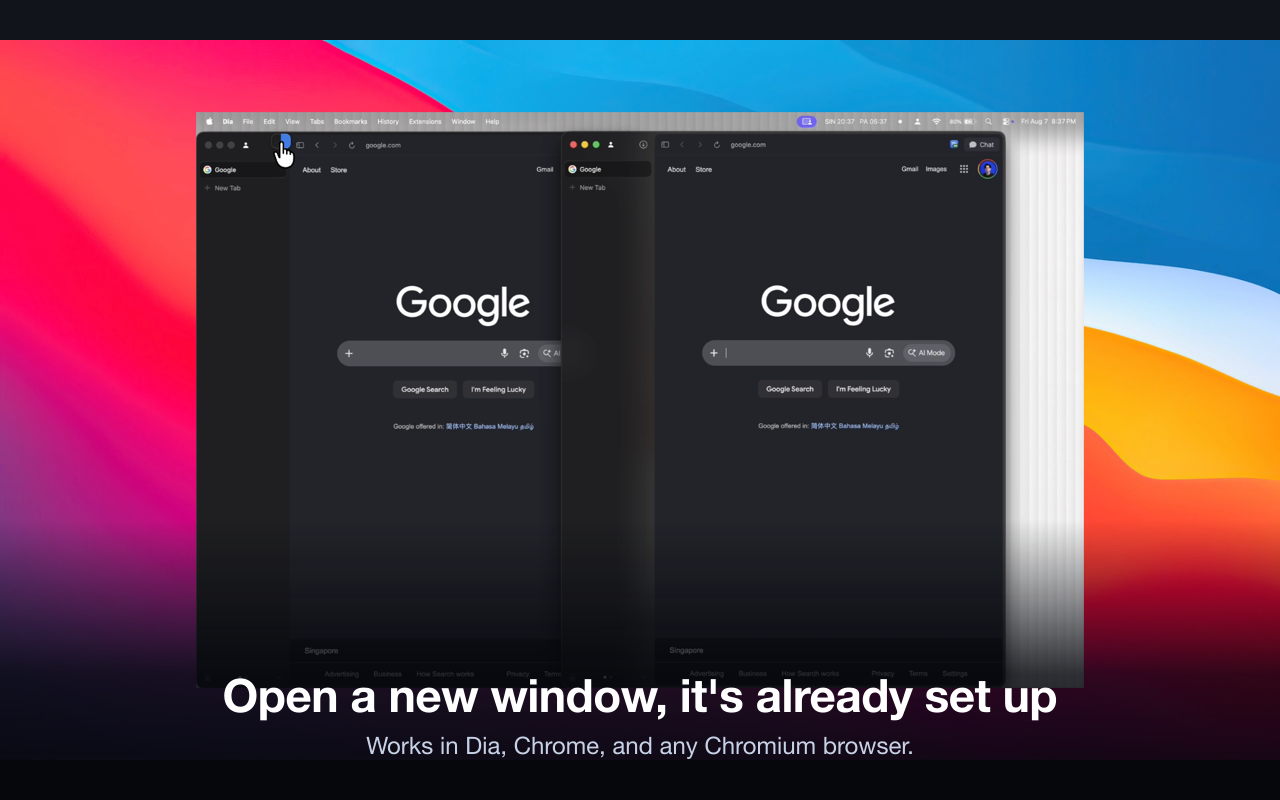
Tabtwinsy keeps every normal window holding the same set of tabs. Add a tab in one window and it appears in the others. Close it anywhere and it closes everywhere. Reorder, navigate, group: the other windows follow. Open a brand new window and it arrives populated, focused on the tab you were just reading, rather than empty.
Tab groups are mirrored the same way, by name and by position, so a window you opened for a second monitor has the same shape as the one you built up all morning.
- The same tabs mirrored live across every window
- Tab groups too, with names, order and collapsed state
- New windows open already populated
- One click on the toolbar icon turns it on or off
- Tabs you are actively using are protected and never closed
A tab playing audio, the tab you are looking at, and video call pages such as Google Meet or Zoom are left alone. Incognito and private windows are ignored entirely, and pinned tabs stay local to their window since browsers already show those everywhere.
Everything stays on your device
Tabtwinsy reads the addresses and titles of your open tabs and tab groups, which is how it works out what each window is missing. That information stays in your browser's local storage and is deleted when you uninstall.
There is no server, no account and no analytics. The extension makes no network requests at all. Nothing about your browsing leaves your computer, because there is nowhere for it to go.
Pricing
- Free
- All of it. No account, no trial, no subscription.
Questions
How do I get the same tabs in every Chrome window?
Chrome has no built in way to do it. Install Tabtwinsy and every normal window is kept to the same set of tabs and tab groups, including windows you open later. There is nothing to configure: the toolbar icon is the on and off switch.
Does Chrome sync tabs between windows on the same computer?
No. Chrome sync copies tabs between devices signed in to the same account. Two windows on one computer stay independent and drift apart as you work, which is the gap Tabtwinsy fills.
Is there an Arc Spaces alternative for Chrome?
Tabtwinsy covers the part of Arc that people miss most after switching: open a new window and your tabs are already there. It was built by an Arc user who moved to Dia and could not live without it, and it runs in Chrome, Dia, Edge, Brave and other Chromium browsers.
Will it close a tab I am still using?
No. The tab you are looking at, anything playing audio, and known video call pages are protected and never closed or navigated away. There is also a limit on how much any single sync is allowed to change, so a hiccup cannot take a window apart.
Does it work with tab groups?
Yes. Groups are mirrored with their names, their order and whether they are collapsed. Create a group in one window and it appears in the others; rename it and the new name follows.
What about incognito windows?
They are ignored completely. Private windows are never read, never mirrored and never touched.
Found a bug or want a feature? The issue tracker is on GitHub, or email support@tynktank.com.
What replaces each part of Arc in 2026 · Back to the ship log